

WEB設定アプリ
Web application for initial payment machine setup and book menu set up
Duration
Dec 2024-
Feb 2025
Design team
Mara -
Sole member UX UI Designer
Tools
Figma
Adobe Illustrator
Canva
My Roles
UX/UI Designer
Overview
This web application is designed to setup the process for payment machines used in restaurants and retail stores. It offers two main functions: AES-CUT Setting and QReate.
Hi fidelity
To improve form accuracy and reduce user frustration, we implemented real-time inline error validation for each input field.
If a user leaves a required field empty or enters incorrect information, the system immediately highlights the field with a clear error message and visual cues (such as a red border or icon). This allows users to correct mistakes on the spot before moving forward.
Combined with the accordion-style layout, this ensures that users are guided smoothly through the form while maintaining data accuracy and preventing submission errors.
Once all required fields are successfully completed and validated, a QR code is automatically generated and displayed. This QR code can be directly scanned by the machine, triggering an automatic setup process.
To improve form accuracy and reduce user frustration, we implemented real-time inline error validation for each input field.
If a user leaves a required field empty or enters incorrect information, the system immediately highlights the field with a clear error message and visual cues (such as a red border or icon). This allows users to correct mistakes on the spot before moving forward.
Combined with the accordion-style layout, this ensures that users are guided smoothly through the form while maintaining data accuracy and preventing submission errors.
Once all required fields are successfully completed and validated, a QR code is automatically generated and displayed. This QR code can be directly scanned by the machine, triggering an automatic setup process.
1. Simplify the Machine Setup Process
One of the key challenges we identified was the complexity and time-consuming nature of the data input process, especially when users are required to fill in a large amount of information.
To address this, we redesigned the input experience with a focus on simplicity and clarity. We introduced a step-by-step progress indicator at the top of the page and implemented an accordion-style form layout. Each section expands individually for input, and once completed, the accordion collapses and changes color to visually indicate completion.
Discovery
Exploring Problem Space
1. Complex and Time-Consuming Setup
Setting up a machine from scratch—defining menu items, prices, and receipt formats—often requires technical knowledge or external support.
Mistakes or delays in setup can lead to operational downtime and poor customer experience.
2. Lack of Customization and Flexibility
Traditional systems don’t allow stores to easily update or customize menu layouts and pricing.
Menus change often (e.g., seasonal items or special promotions), but modifying settings manually on the machine can be inefficient and error-prone.
Goals and Mock up


AES-CUT Brief Overview
QReate Menu Breif Overview
AES-CUT

Machine already available
to use and can be used
to make payment
QR Code

Scan the QR Code
to the machine to set up
the machine
AES=CUT Setting
Setting from the WebAPP
and get the QR Code

At a glance
AES-CUT設定
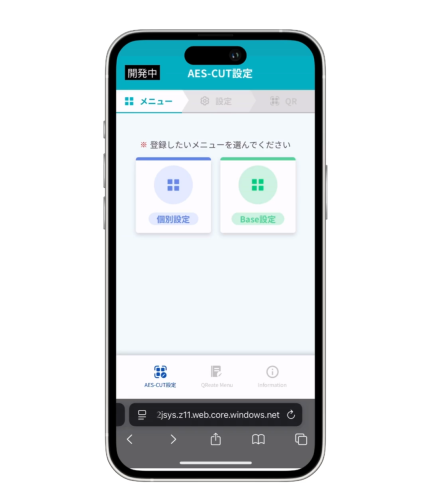
It is designed for initial setup of the payment machine which allows the store staff to:
Input and organize menu items (main/side), set prices for each item, configure receipt layout and transaction details, Once settings are complete, the system generates a unique QR code.This QR code is then scanned by the machine, transferring the setup data directly to it.
At a glance
Qreate Menu
This is a menu function for generating menu-specific QR codes. Each QR code links to a specific menu item, which: Can be printed and placed in store, Enables customers to scan and order directly, Designed to support multiple menu items, making it scalable for stores of any size.
In detail
At a glance


個別設定
AES-CUT Base設定
At a glance [Filling error]
At a glance
At a glance [QR Code]
At a glance


In detail
新しいパスワードを入力してください
新しいパスワード
*
●●●●●●●●
新しいパスワード(確認)
*
●●●●●●●●
ログイン
設定リスト入力
新しいパスワードを入力してください
新しいパスワード
*
Label
新しいパスワード(確認)
*
Label
ログイン
設定リスト入力
設定しました
モバプロトップへ
設定完了と同時に
新規パスワードでログイン
ログインID
*
ID
パスワード
*
●●●●●●●●
ログイン状態を保持する
ログイン
パスワードを忘れた方はこちら
Ver. X.X.X
パスワードを忘れた方
パスワードをリセットします。
ログインIDを入力してください。
ログインID
*
ID
ログイン
設定リスト入力
パスワードを忘れた方
パスワードをリセットします。
ログインIDを入力してください。
ログインID
*
Mobataro@mobapuro.co.jp
ログイン
Z
X
C
V
B
N
M
A
S
D
F
G
H
J
K
L
Q
W
E
R
T
Y
U
I
O
P
space
return
123
設定リスト入力
メールをお送りしました
ご登録メールアドレス宛にパスワード
リセット
のURLをお送りしました。
URLから新しいパスワードを設定し
てください
設定リスト入力
新しいパスワードを入力してください
新しいパスワード
*
●●●●●●●●
新しいパスワード(確認)
*
●●●●●●●●
ログイン
Z
X
C
V
B
N
M
A
S
D
F
G
H
J
K
L
Q
W
E
R
T
Y
U
I
O
P
space
return
123
設定リスト入力

At a glance

At a glance


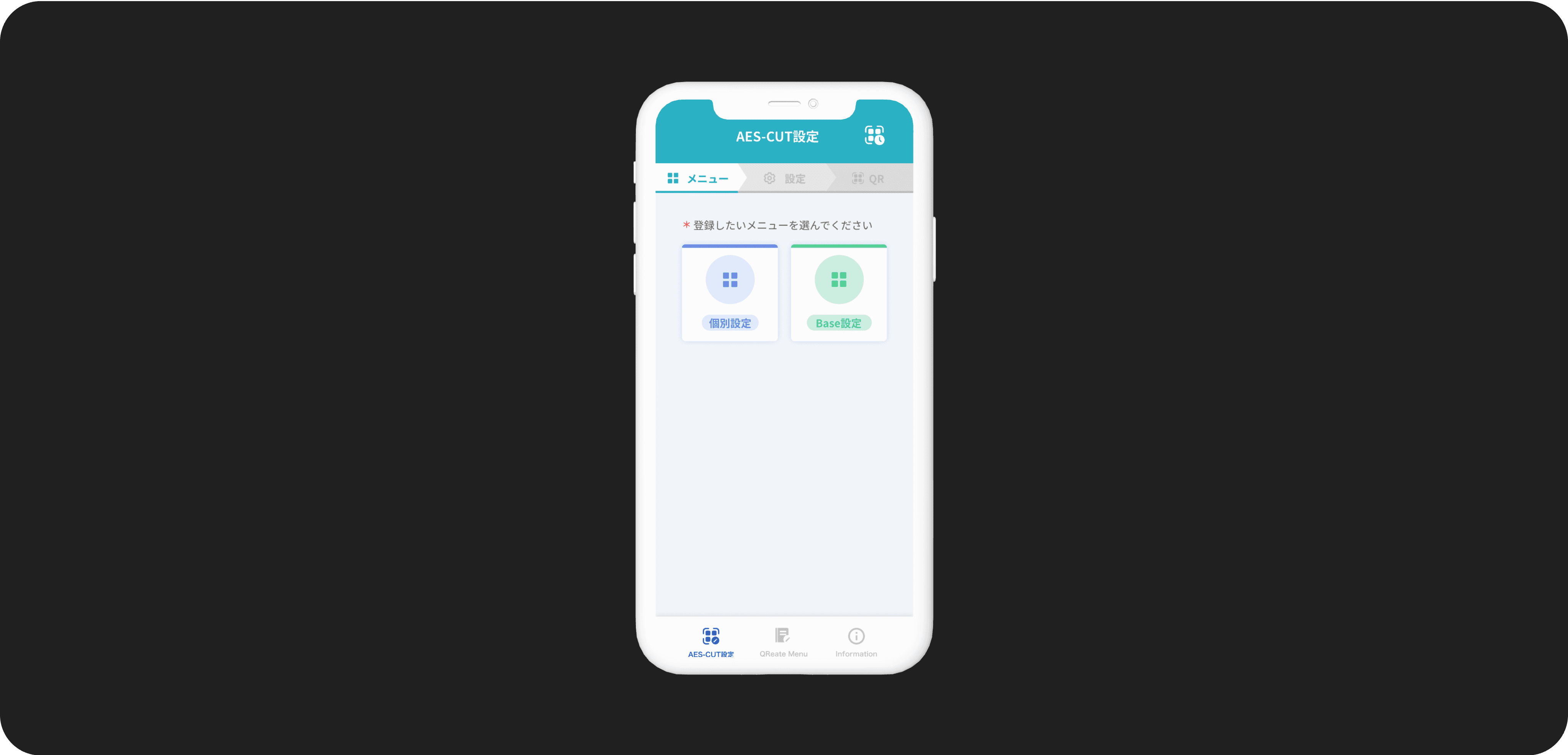
The QR Menu feature enables stores to easily generate a digital or printed QR code that links to a customizable menu book containing multiple menu items. Customers can scan the QR code to browse and select their desired items directly from their own devices.
Once the customer has made their selection, staff can scan the chosen items using a scanner connected to the machine, confirming the order in the system. After the order is finalized, the customer can conveniently complete the payment directly through the machine
In detail


In detail

購入
QRコードをダウンロード
メニュー新規登録はこちら
メニュー登録
購入、取消、全取消のQRコードのダウンロードはこちら
購入
QRコードをダウンロード
取消
QRコードをダウンロード
全取消
QRコードをダウンロード
QReate Menu
AES-CUT設定
QReate Menu
Information
QR
メニュー作成
QRコードをダウンロード
以下のメニューのQRコードを発行しますか?
カット&シャンプー
請求金額(税込)
¥1,100
登録内容の確認
店舗コード
0001
商品コード
0001
消費税率
10%
商品名
カット&シャンプー
本体価格(税抜)
¥1000
消費税額
¥100
QRコードをダウンロード
完了
QReate Menu
店舗コード
*
0000~9999
商品コード
*
0000~9999
消費税率
*
8%
10%
商品名
*
入力
本体価格(税抜)
*
0-999999
消費税額
*
0-99999
請求金額(税込)
¥-----
QR
メニュー作成
メニュー登録
半角カタカナ英数字 20文字以内
数字4桁
数字4桁
AES-CUT設定
QReate Menu
Information
QReate Menu
店舗コード
*
0001
商品コード
*
0001
消費税率
*
8%
10%
商品名
*
カット&シャンプー
本体価格(税抜)
*
1000
消費税額
*
100
請求金額(税込)
¥1,100
QR
メニュー作成
メニュー登録
半角カタカナ英数字 20文字以内
数字4桁
数字4桁
AES-CUT設定
QReate Menu
Information
QReate Menu
店舗コード
*
0001
商品コード
*
11111
正しい番号を入力してください
消費税率
*
8%
10%
商品名
*
カット&シャンプー
本体価格(税抜)
*
910
消費税額
*
請求金額(税込)
¥1,001
メニュー登録
金額は10円単位で入力してください。1円単位の入力は
できません。
半角カタカナ英数字 20文字以内
数字4桁
数字4桁
QR
メニュー作成
エラーが発生しました!確認してください
AES-CUT設定
QReate Menu
Information
QReate Menu
Bhaswara Maralaut
More projects and experiences are always on the way.
Let's keep in touch!