
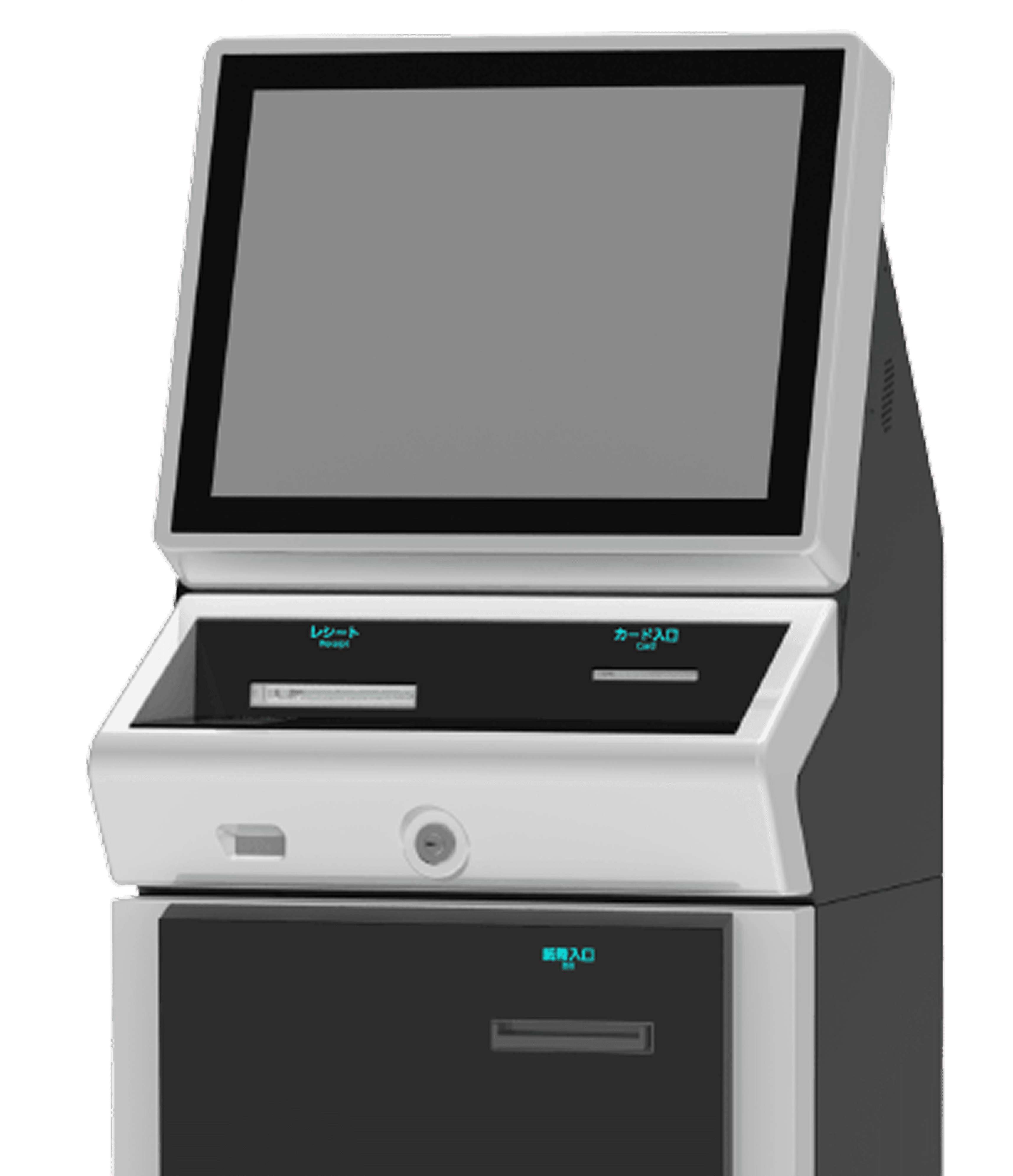
AES-VKTシリーズ
Payment Machine / KIOSK Terminal
Duration
Dec 2024-
Presents
Tools
Figma
Aftereffects
Adobe Illustrator
Canva
My Roles
UX/UI Designer
Design team
Mara -
Sole member UX UI Designer
Challenge:
Akatsuki needed a solution that could cater to a wide range of users, including first-time and non-technical users.
Request:
They specifically asked for a design that is:
Accessible – usable by all, regardless of ability or background
Simple – intuitive and easy to navigate from the first interaction
Friendly – with a warm and welcoming visual tone to build trust quickly
More about the service: https://arunas.co.jp/product/aes-vkt.html
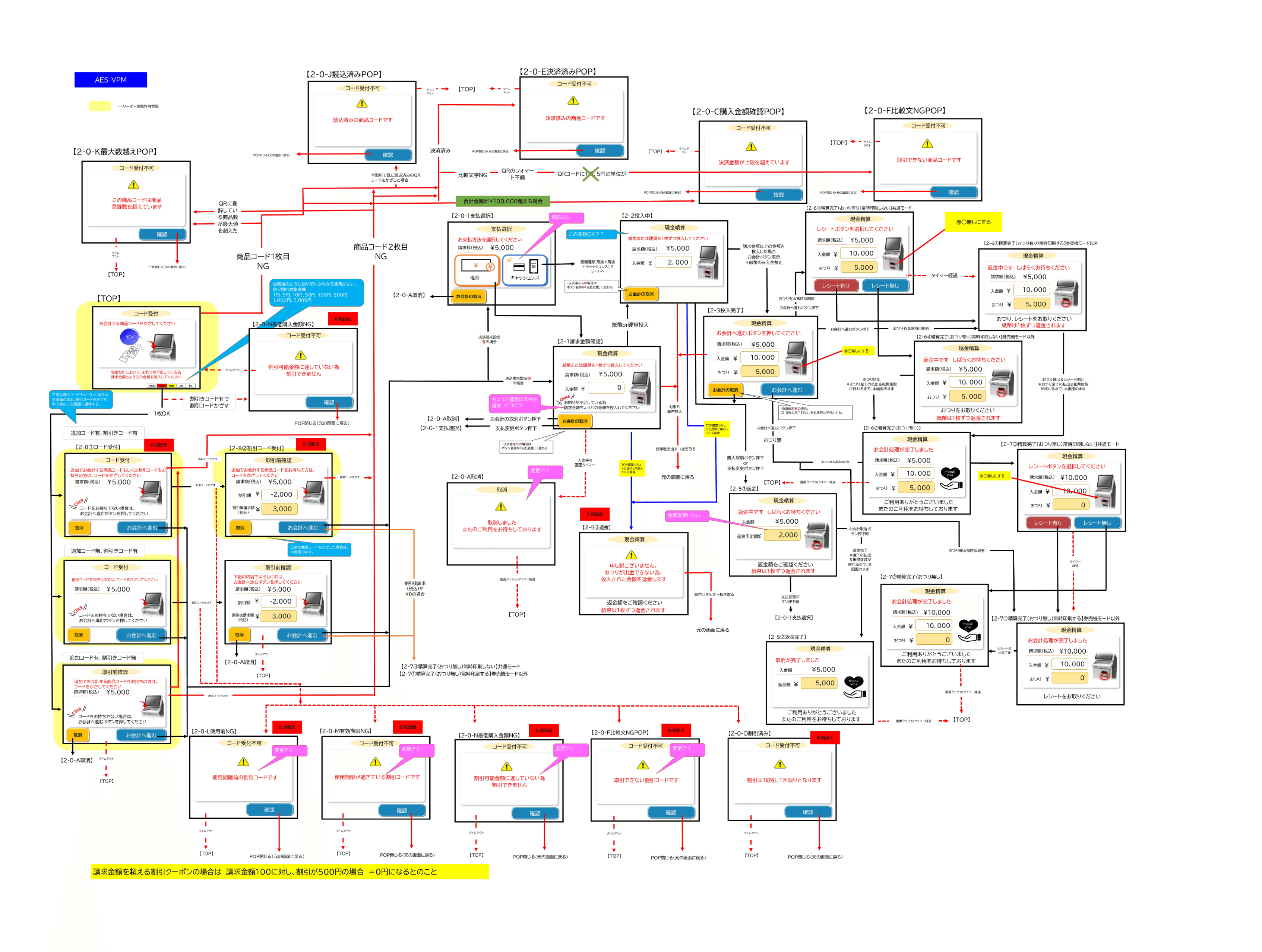
AES-CUT Brief Overview
Detail and Hi-Fi of AES-VKTシリーズ
WEB Setting APP
How we solve the problem
Accessible Design for All Age Groups
In designing the machine interface, we prioritized universal accessibility, ensuring that users from all age groups — from older adults to younger users — could interact with it comfortably and confidently.
To achieve this, we implemented:
A clean and intuitive interface that avoids overly technical or complex visuals
Large, readable text and clearly labeled buttons to support users with varying levels of vision and digital literacy
Simple visual hierarchy and navigation flow to minimize confusion and reduce cognitive load
Friendly animations to provide visual guidance and feedback, helping users understand each step of the process without feeling overwhelmed
This approach ensures that the product remains inclusive, approachable, and easy to use across a diverse user base.
Front page
Design Choices
Color Coding:
Blue is used throughout for calm and trustworthy interactions.
Red (¥1000) to highlight the denomination being processed or preferred.
Flat, minimal illustrations:
Keeps the interface modern and reduces cognitive load.
Large buttons and font sizes:
Optimized for touch interaction and elderly users in Japan.
Overview

1000
1000
500
100
50
10
5
1
現金
キャッシュレス
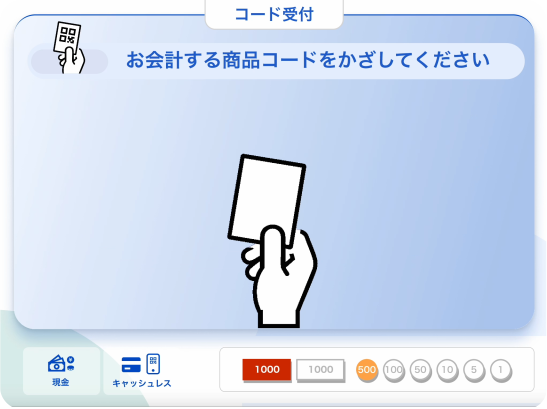
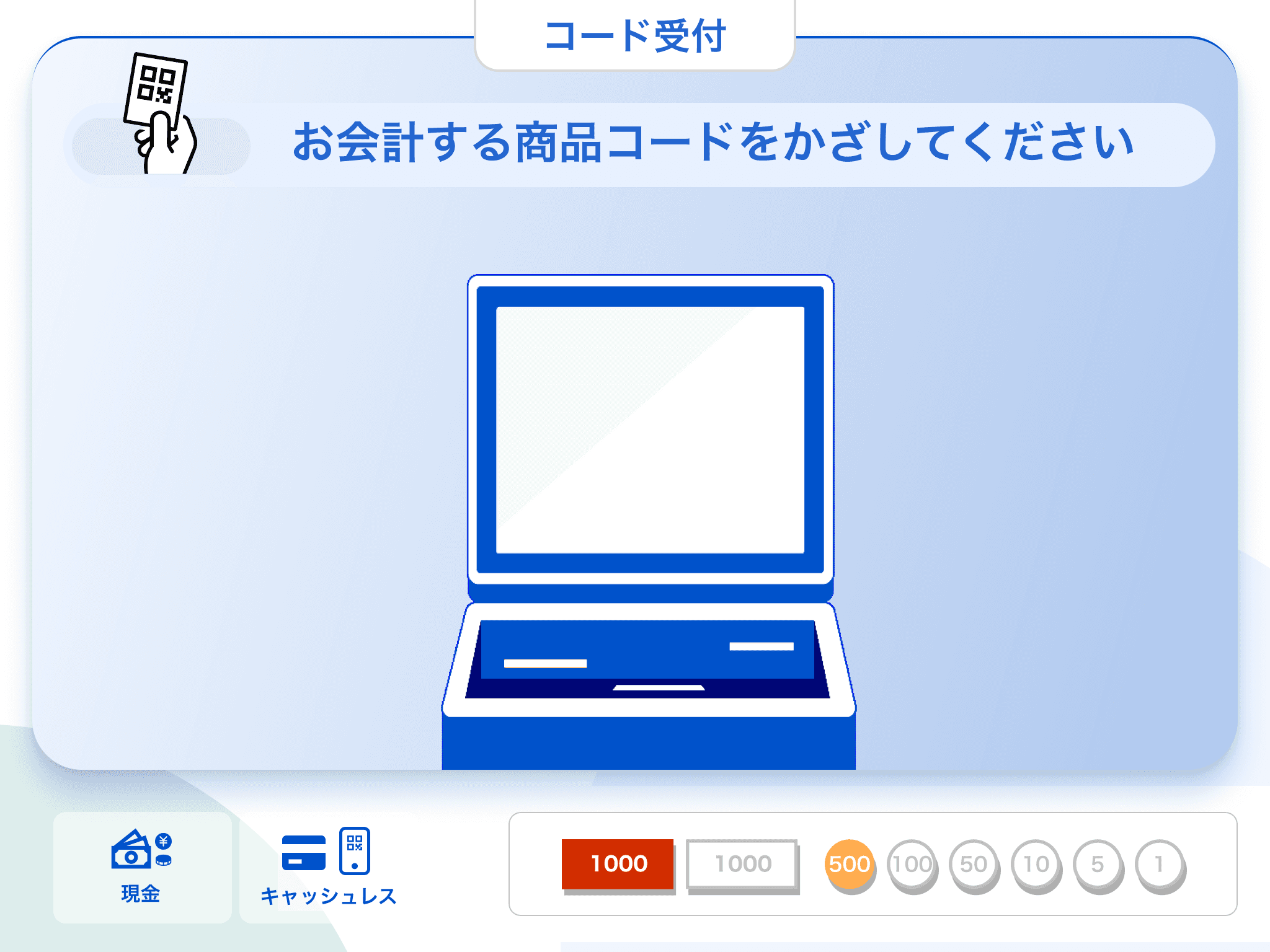
お会計する商品コードをかざしてください
コード受付
お会計の取消

請求額 (税込)
¥5,000
入金額
¥
10,000
おつり
¥
5,000

お会計へ進む
お会計へ進むボタンを押してください
現金精算
請求額 (税込)
¥5,000
お会計の取消
お支払方法を選択してください
現金
現金
キャッシュレス

支払選択
WEB Setting APP

1000
1000
500
100
50
10
5
1
現金
キャッシュレス
お会計する商品コードをかざしてください
コード受付
Point service/coupon issuance
Check points at department stores, supermarkets, electronics retailers, home improvement stores, large sports stores, etc.
Coupons for department stores, specialty stores, etc.
Self-service reception
Hospital return visit reception
Reception at companies and facilities
Check-in terminals at hotels and accommodations, etc.
Self-service reception
Shopping mall information desk
Traffic information for service areas, roadside stations, etc.
Local government information dissemination, tourist information, etc.
Information Search
Library book search and reservation
Job and part-time job information search
Search for books and products at bookstores, rental stores, etc.
Ticket reservations and issuance
Ticket issuance for cinemas, theatres, trains, express buses, etc., including seat reservations and boarding directions
Reservations for admission to leisure facilities and theme parks, issuing vouchers, etc.
Cash Money Charge
Information and reservations for various local government facilities and events
Driving school lesson reservations
Golf driving range tee reservations, etc.
From Akatsuki
WEB Setting APP
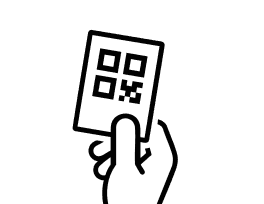
Scan more QR Code and Coupon Screen
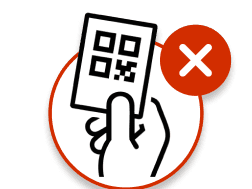
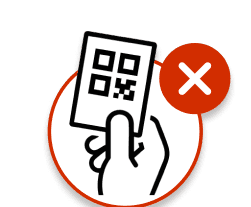
After the customer scans the first QR code, the next screen prompts them to indicate whether they have additional QR codes or coupons to scan.
取消

お会計へ進む
コードをお持ちでない場合は
お会計へ進むボタンを押してください
請求額 (税込)
¥5,000

追加でお会計する商品コードもしくは割引コード
をお持ちの方は、コードをかざしてください
コード受付
取消
お会計へ進む
コードをお持ちでない場合は
お会計へ進むボタンを押してください
請求額 (税込)
¥5,000
割引コードをお持ちの方は
コードをかざしてください

コード受付
取消
お会計へ進む
コードをお持ちでない場合は
お会計へ進むボタンを押してください
請求額 (税込)
¥5,000
追加でお会計する商品コードをお持ちの方は
コードをかざしてください
取引前確認
Coupon Scanned Screen
Once the customer scans a coupon QR code, the system automatically applies the discount and updates the total amount. This is reflected in a clear payment summary screen, showing:
The original amount
Applied discount(s)
Final amount to be paid
WEB Setting APP
取消

お会計へ進む
追加でお会計する商品コードをお待ちの方は
コードをかざしてください
請求額 (税込)
¥5,000
割引額
¥
-2,000
割引後請求額
(税込)
¥
3,000
取引前確認

取消
お会計へ進む
下記の内容でよろしければ
お会計へ進むボタンを押してください
取引前確認
請求額 (税込)
¥5,000
割引額
¥
-2,000
割引後請求額
(税込)
¥
3,000
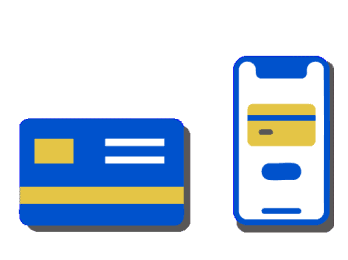
Choose payment method screen
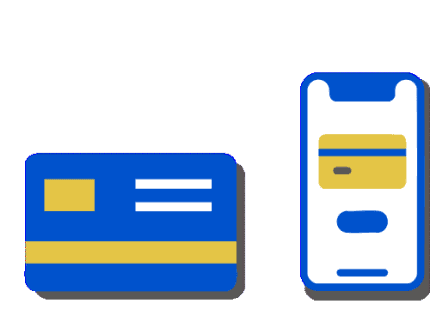
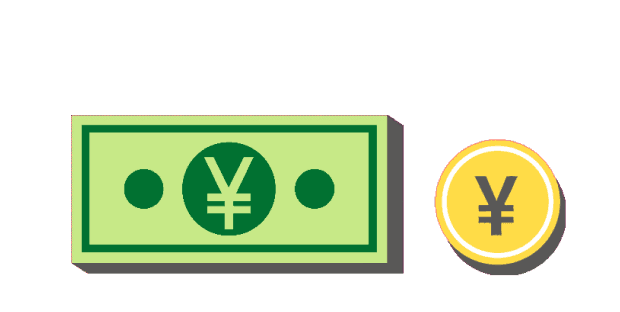
The Payment Method screen is designed to make it easy for customers to quickly choose between two options: cash or cashless.
The layout features clear icons, animations, and large buttons, allowing users to instantly recognize and select their preferred method. Whether paying by cash or using a digital payment method, the experience is straightforward and accessible
WEB Setting APP
請求額 (税込)
¥5,000
お会計の取消
お支払方法を選択してください
現金
現金
キャッシュレス
支払選択
WEB Setting APP
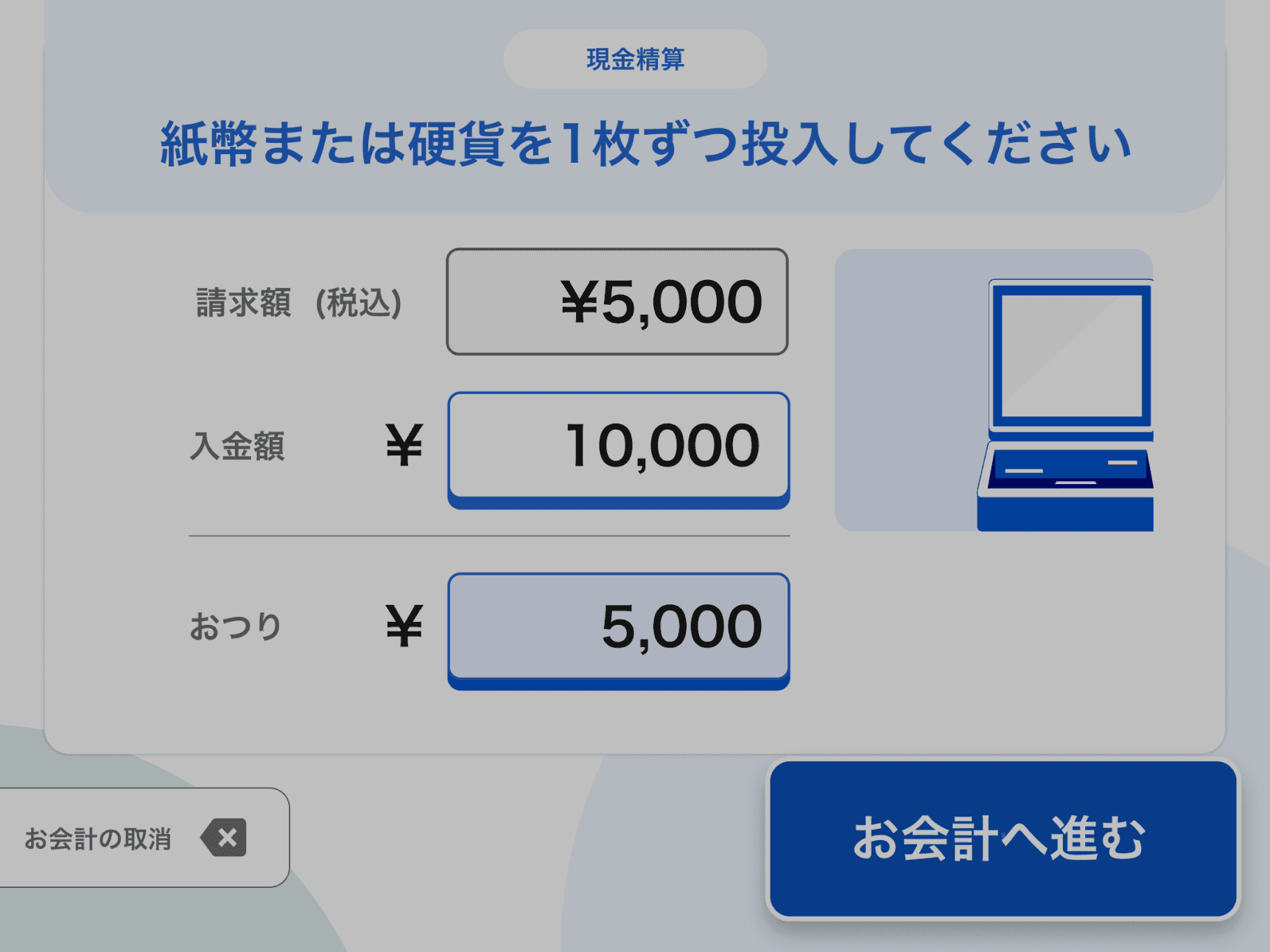
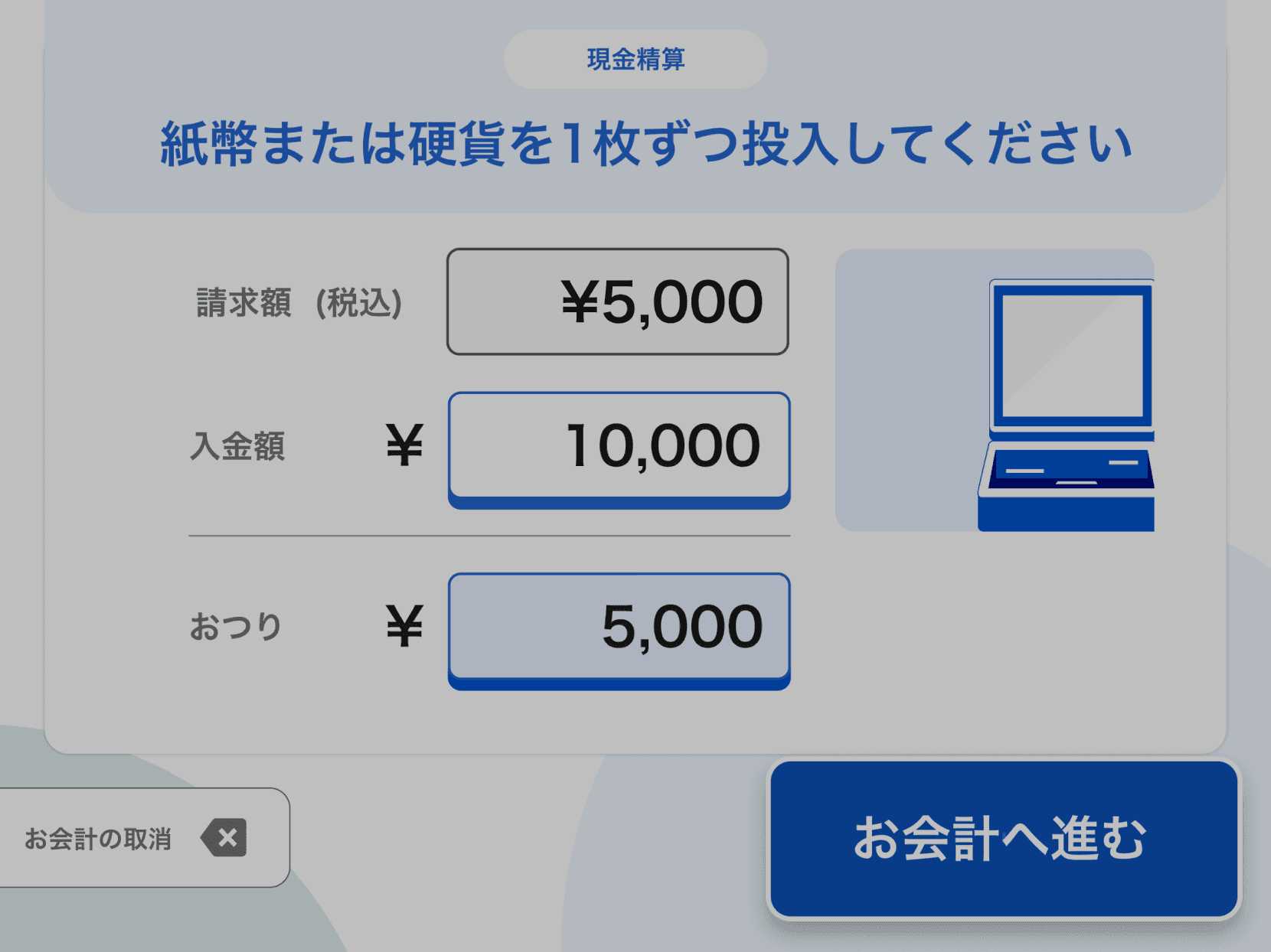
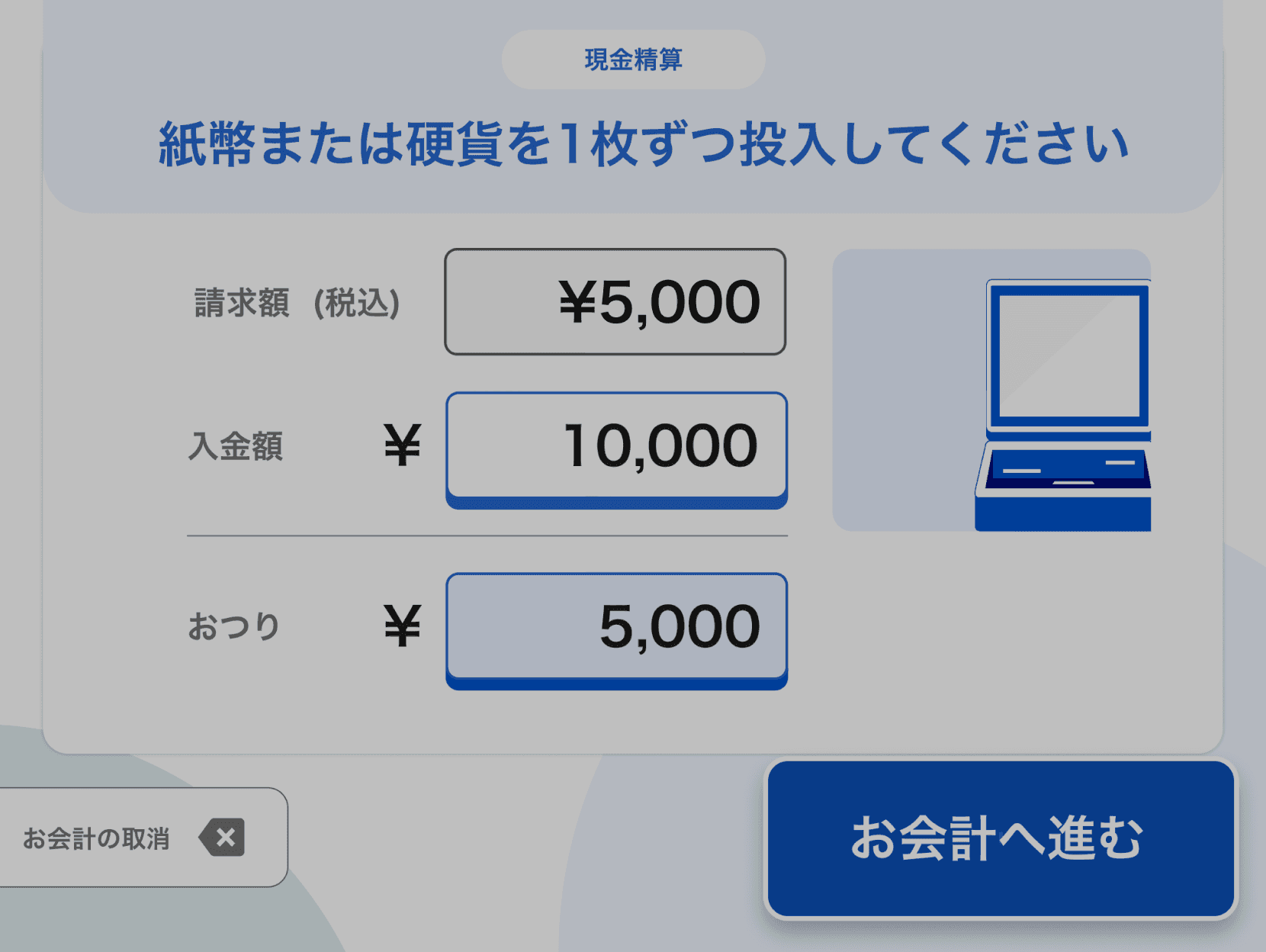
Payment screen
The Payment Completion screen guides the customer through the final step of the transaction. Once a payment method is selected, this screen clearly displays the total amount to be paid, along with simple instructions for completing the payment
現金精算
紙幣または硬貨を1枚ずつ投入してください
お会計の取消
お釣りが不足している為
請求金額ちょうどの金額を投入してください

請求額 (税込)
¥5,000
入金額
¥
0
お会計へ進む
お会計の取消
お会計へ進む
紙幣または硬貨を1枚ずつ投入してください
現金精算
2,000
¥
入金額
請求額 (税込)
¥5,000
With or without receipt screen
After completing the payment, the Receipt Selection screen prompts the customer to choose whether they would like to receive a receipt.
Complete screen
After the payment is successfully completed, the system transitions to a Thank You screen that includes a simple appreciation animation. This screen serves as a warm and friendly closing to the transaction, reinforcing a positive user experience.
WEB Setting APP

請求額 (税込)
¥5,000
入金額
¥
10,000
おつり
¥
5,000
レシートボタンを選択してください
現金精算

レシート無し

レシート有り
お会計処理が完了しました
ご利用ありがとうございました
またのご利用をお待ちしております
請求額 (税込)
¥5,000
入金額
¥
10,000
おつり
¥
5,000
現金精算


返金中です しばらくお待ちください
おつりをお取りください
紙幣は1枚ずつ返金されます

請求額 (税込)
¥5,000
入金額
¥
10,000
おつり
¥
5,000
現金精算
返金中です しばらくお待ちください
おつり、レシートをお取りください
紙幣は1枚ずつ返金されます
請求額 (税込)
¥5,000
入金額
¥
10,000
おつり
¥
5,000
現金精算
取消が完了しました
ご利用ありがとうございました
またのご利用をお待ちしております
請求額 (税込)
¥5,000
おつり
¥
5,000
現金精算

お会計処理が完了しました
ご利用ありがとうございました
またのご利用をお待ちしております
請求額 (税込)
¥5,000
入金額
¥
10,000
おつり
¥
0
現金精算
お会計処理が完了しました
レシートをお取りください
請求額 (税込)
¥5,000
入金額
¥
10,000
おつり
¥
0
現金精算
この商品コードは商品
登録数を超えています
コード受付不可

確認
割引可能金額に達していない為
割引できません
コード受付不可
確認
読込済みの商品コードです
コード受付不可
確認
決済済みの商品コードです
コード受付不可
確認
決済金額が上限を超えています
コード受付不可
確認
取引できない商品コードです
コード受付不可
確認
使用期限前の割引コードです
コード受付不可
確認
取消しました
またのご利用をお待ちしております
コード受付不可
申し訳ございません
おつりが出金できない為
投入された金額を返金します
コード受付不可
返金額をご確認ください
紙幣は1枚ずつ返金されます
使用期限が過ぎている割引コードです
コード受付不可
確認
割引可能金額に達していない為
割引できません
コード受付不可
確認
取引できない割引コードです
コード受付不可
確認
割引は1取引、1回限りとなります
コード受付不可
確認
Bhaswara Maralaut
More projects and experiences are always on the way.
Let's keep in touch!
Error Screen
In the event of a system or transaction error, the Error Screen is designed to inform the user without causing stress or confusion.
Instead of using alarming visuals, we applied soft, non-stressful colors (such as muted tones or light neutrals) and clear, friendly messaging to explain the issue. An optional action (e.g., “Try Again” or “Go Back”) is prominently displayed to guide users toward the next step.